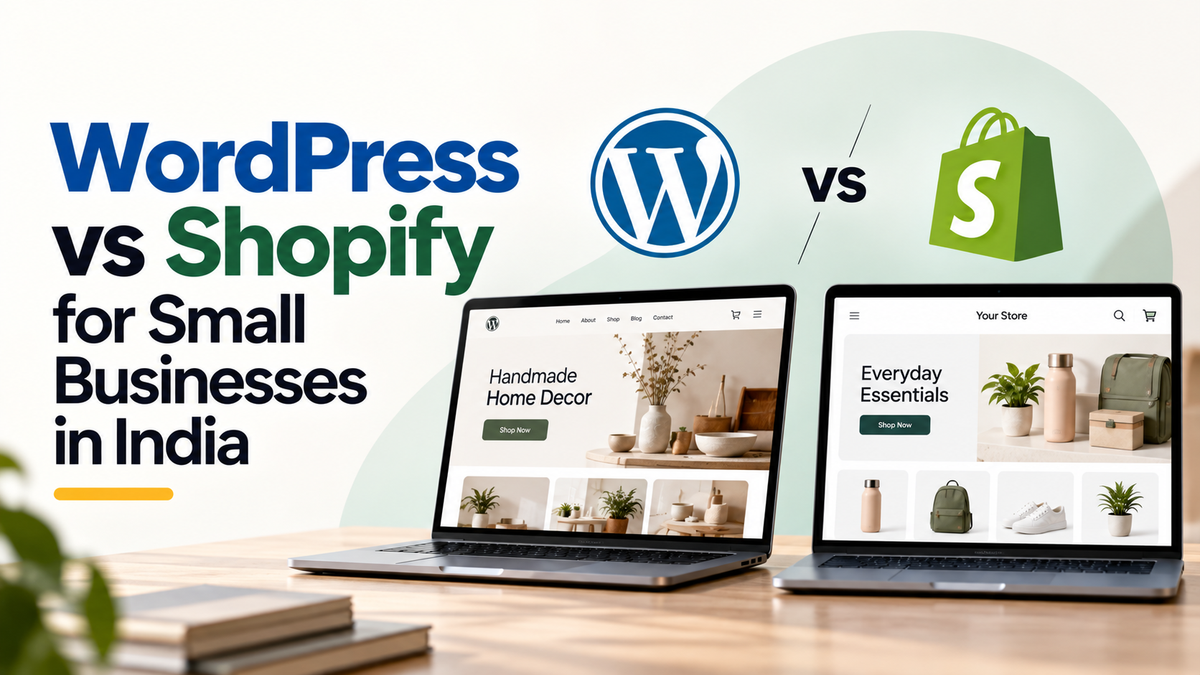
Which is better for a small business, WordPress or Shopify? Neither is better for everyone. WordPress suits a business that wants a flexible website, with a shop added where needed. Shopify is built for online selling, with products, checkout, payments and stock tools in one platform. A local service owner may be well served by a simple WordPress site with enquiry buttons. A shop with regular online orders may save time with a store platform. Compare the day-to-day effort, not only the sign-up price.
This guide compares the two for three common situations. It does not name a winner. Vendor prices change, so check them on each vendor's pricing page before you decide.
The two platforms in plain words
WordPress is a content management system, which means software for managing a website's pages, posts and images through a dashboard. You install it on a hosting account. Shop features come from an add-on, most often WooCommerce. The theme, plugins, add-ons and hosting each have their own updates and costs.
Shopify is a hosted platform. You sign up, choose a plan and build your store inside its system. Hosting, core software updates and security are handled by the platform. Payments, apps and some features can carry extra fees.
Three situations, three different answers
A local service owner
Installers, clinics, tutors, travel operators and professional firms usually need a site that explains their services, shows proof of work and makes it easy to call or message. Few of them sell products online. A WordPress site, or a simple site built on another tool, may fit better. A store can feel heavy if you have nothing to sell.
A retailer testing demand
If you want to see whether customers will buy online, start small. Shopify can get a basic store running quickly, with product pages and checkout built in. WordPress with WooCommerce can also work, but you or your provider must manage hosting, plugins and security. The question is how fast you want to test, and how much technical upkeep you can handle.
A shop with regular online orders
When orders arrive every day, the store must be reliable. Stock, payments, shipping rules, order emails and refunds need a clear owner. Shopify brings many of these pieces into one system, which can cut set-up work. WordPress gives more control, but you take on more upkeep. Either way, someone should check the store every week.
Compare the work, not just the brand
Use these areas to compare any two options.
- Editing. Can your team change text, photos and products without help? Ask the provider to show each step.
- Hosting. On WordPress you usually buy hosting separately. On Shopify hosting is part of the plan. Check what each plan covers, including storage, traffic limits and support.
- Subscriptions. Shopify charges a plan fee. WordPress software is free, but themes, plugins, hosting and some add-ons may be paid. Add up the yearly total for both options.
- Payment set-up. Both need a payment provider for card and UPI payments. Check the provider's fees, how long settlement takes, and whether it accepts your type of business.
- Inventory. Shopify includes stock tracking. On WordPress it depends on the shop add-on and how you set it up. Count how many items you must track.
- Maintenance. WordPress needs regular updates to the core software, theme and plugins, plus backups and security checks. Shopify updates its platform itself, but your theme and apps still need review.
- Total operating effort. Estimate the hours your team needs for updates, product changes, customer questions and order checks, each week or month.
A neutral decision guide
Work through these questions in order. Stop at the first clear answer.
- Do you sell products online, or do customers only need to contact you? If contact is enough, start with a simple website and a clear enquiry path.
- How many products do you have, and how often do they change? A small range with few changes makes either platform workable.
- Who will edit the site each week? Choose the tool that person can use without help.
- Who will look after updates and security? If nobody has time, a managed platform may suit you better.
- What does each option cost in the first year and in later years? Use the current pricing pages and a written quotation.
- Do you want to own the hosting and files, or rent a platform? Decide which matters more to you.
Common mistakes
- Choosing a platform because a friend uses it, without checking your own order volume.
- Comparing the build fee and ignoring renewals, apps and payment charges.
- Adding several paid apps for small features that could be handled another way.
- Letting one person hold every login, with no written record or backup access.
Next step
Write down what the site must do in the first six months, who will maintain it, and how much you can pay each year. Take that list to a provider and ask for a written comparison. Klyroo can help you set out the options for your business, including whether a simple site, a store or a mix of both fits. You can read about Klyroo's web development service or contact Klyroo.
Frequently asked questions
- Is WordPress free?
- The WordPress software is free to download. You still pay for hosting, a domain name and often themes, plugins or shop add-ons. Ask for the full yearly cost, not only the software price.
- Can I move from Shopify to WordPress later?
- Sometimes, but moving products, customers and orders takes planning. Ask how the data would be exported and what might be lost before you start.
- Which one is easier to edit?
- It depends on the person and the set-up. Ask for a short demo in which your own staff edit a product or a page, and time how long it takes.