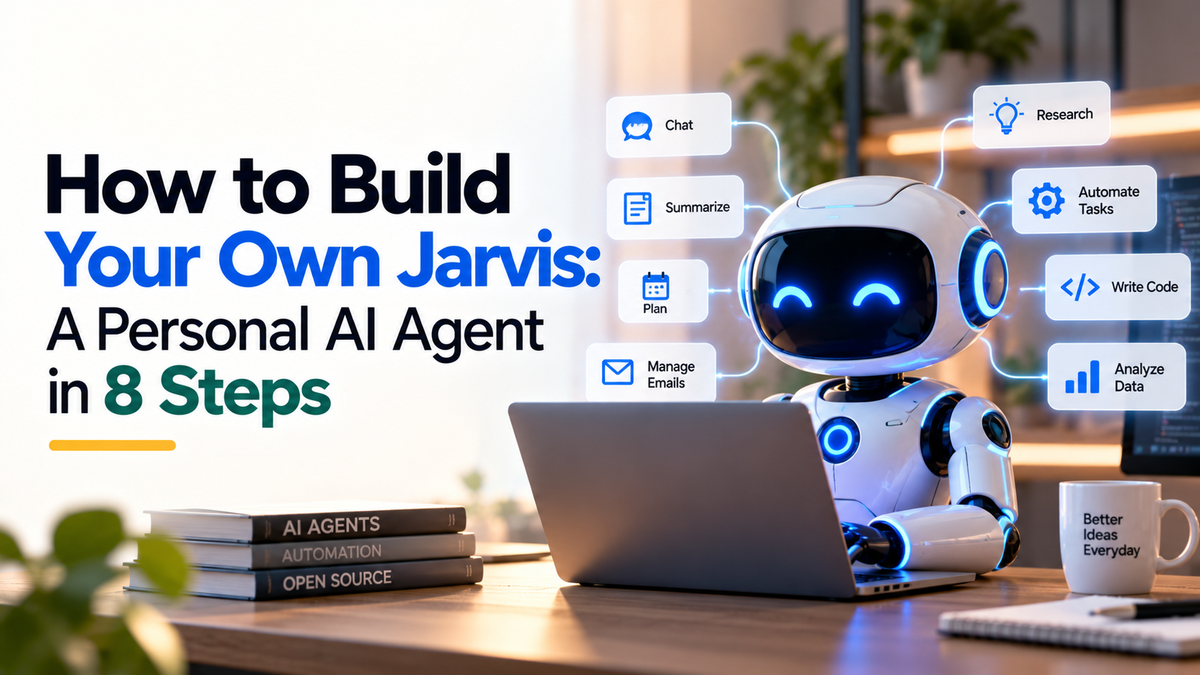
Can you build a personal AI agent like Jarvis? Yes, a simple version. You need a computer that stays on, an open-source agent harness, an AI model, long-term memory and a few connected tools. It is a project for someone comfortable with a terminal, not a one-click app. This guide follows an eight-step outline from the Klyroo reel, and we checked each tool against its own website.
What a personal agent actually is
A personal agent is a program that can use tools for you, such as email, a calendar or a browser, and that remembers what you told it. A normal chatbot answers a question and forgets. An agent keeps context and can act, which is why it needs more care about access and privacy.
Before you start, know the costs and the limits. The software we mention is described as free, but the AI model usage and any server you rent can cost money. Plan a small test first.
Step 1: Give it a home that stays on
An agent that answers on Telegram or WhatsApp has to be running when you message it. An old laptop, a Mac mini or a small cloud server will do. Use a dedicated machine if you can, keep the system updated, and do not install it on the computer that holds your bank logins.
Step 2: Install an agent harness
The reel uses Hermes Agent by Nous Research. Its website describes it as a free, open-source agent under the MIT licence. It runs on the desktop, in the terminal or in the cloud, supports Telegram, Discord, Slack, WhatsApp, Signal and email, and stores conversations, memories and skills so you can resume later.
The install command shown on the official site is:
curl -fsSL https://hermes-agent.nousresearch.com/install.sh | bash
Step 3: Choose the brain
The agent needs an AI model to think. The reel uses Claude, Codex or Gemini, and the point is that you can swap the model later. Check the Hermes documentation for the model providers it supports today. Model use is usually charged by how much you use it, so watch the cost while you test.
Step 4: Tell it who you are
Write a short profile: your work, your goals, how you like replies written and what the agent must never do. Keep passwords, bank details and private customer information out of it. A clear profile is the cheapest way to get better answers.
Step 5: Add long-term memory
Memory is what makes an agent feel personal. Honcho by Plastic Labs is open-source memory for agents that keeps track of each user across sessions, tools and machines. Its site lists the AGPL-3.0 licence. That licence has conditions if you offer a modified version to others as a service, so read it before you build anything for customers. The benchmark and savings figures on the Honcho site are the vendor's own claims.
Step 6: Connect tools, with the least access
Email, calendar, documents and a browser are the usual first tools. Connect one at a time. Start with read-only access, use a separate account where possible, and turn on any setting that makes the agent ask before it sends or deletes something.
Step 7: Pick your channels and a voice
Most people talk to the agent through Slack, Telegram or WhatsApp. For a spoken voice, the reel uses ElevenLabs, a text-to-speech service. Connecting a voice needs a little code, so treat it as an optional extra once the basics work.
Step 8: Give it the Jarvis look
The last step in the reel is the interface: a screen that looks like a personal assistant. The reel designs it with Claude Design. It does not change what the agent can do, so it is the right step to leave until last.
What this means for a business owner
An assistant that remembers and acts can help with follow-ups, reminders and summaries. The risks are also real: wrong actions, leaked customer data and running costs. Start with an internal task that does little harm if it goes wrong, such as summarising your own notes.
If you want help deciding which tasks in your business are worth automating, see our AI and automation service or talk to Klyroo.
A safety checklist before you connect anything
- Run it on a dedicated machine and keep the software updated.
- Use separate accounts and read-only access to begin with.
- Require approval before it sends a message, deletes data or spends money.
- Keep passwords and private customer data out of the profile and memory.
- Check the licence and terms of every tool before using it for customers.
Sources
Tools change quickly. Check each project's own site for the current install steps, licence and supported platforms.
- Is Hermes Agent free to use?
- Its website describes it as free and open source under the MIT licence. The AI model you connect and any server you rent may still cost money.
- Do I need to know how to code?
- You need to be comfortable using a terminal. Adding a voice or a custom interface needs a little code, so leave those for later.
- Is it safe to give an AI agent access to my email?
- Not by default. Start with read-only access, use a separate account where you can, and require approval before it sends anything.